PRODUCT FIT / TEST CURRENT RELEASE
Folder Protect for Instrument Export Masters
Evaluate Folder Protect for one bounded job: reducing unauthorized changes to a supported local folder containing instrument export masters on a tested Windows PC.
01 / FIT
Use one bounded Windows restriction layer
Folder Protect may help restrict access, writing, deletion or visibility for a supported local folder. Laboratory research operations should consider it only after defining the approved master, working-copy route, accountable owner, permitted accounts and separate recovery plan. Use only fabricated export files with no sample, patient, participant, result or credential data during evaluation.
The product does not approve content, validate scientific results or instrument data integrity, compare document versions, manage identities, provide scientific-validation evidence, create an audit trail or replace backup.
02 / PILOT
Test the complete lifecycle
- 01
Confirm the current official release, supported Windows edition and documented protection modes.
- 02
Create a fictional folder with fabricated instrument-export files and a separately backed-up master.
- 03
Test view, write, delete, restart, sign-out, update and authorized recovery behavior.
- 04
Verify approved editors can create working copies without changing the master.
- 05
Record password ownership, removal, recovery and retest responsibilities.
03 / INTERFACE
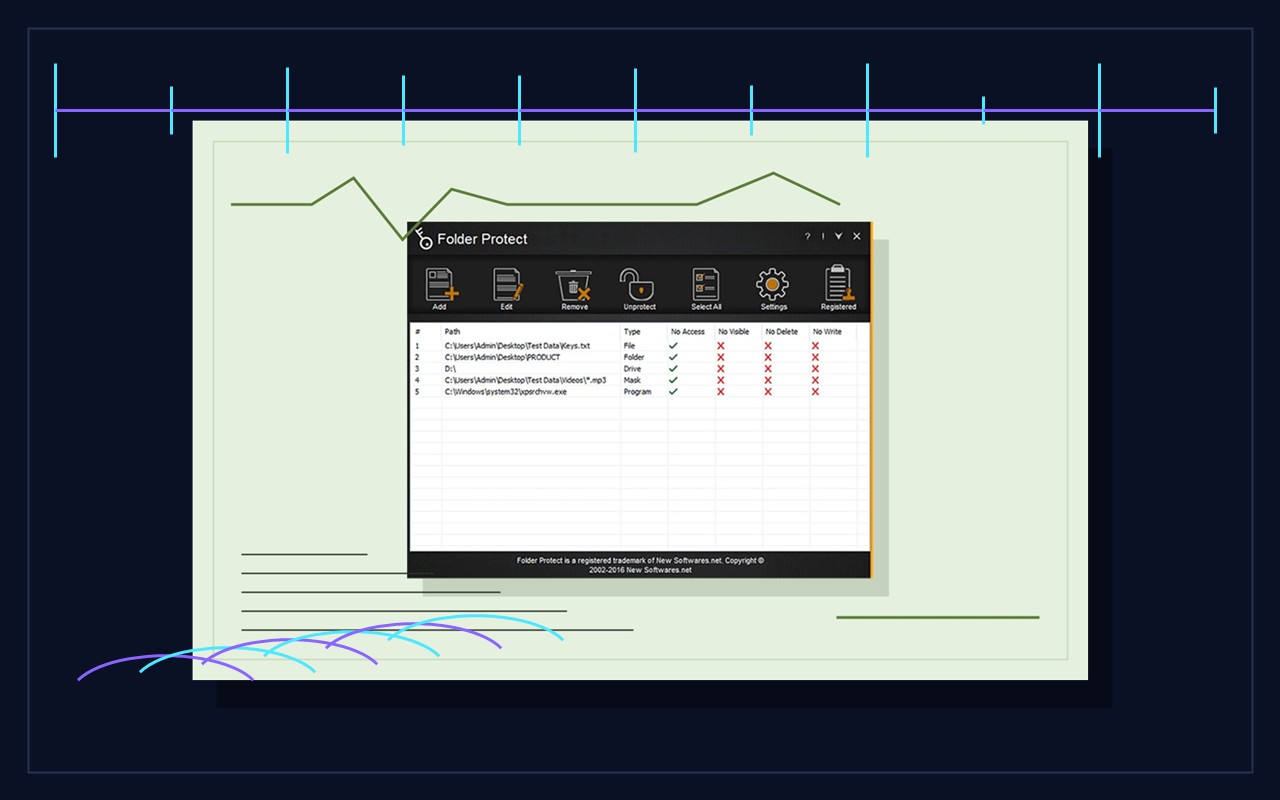
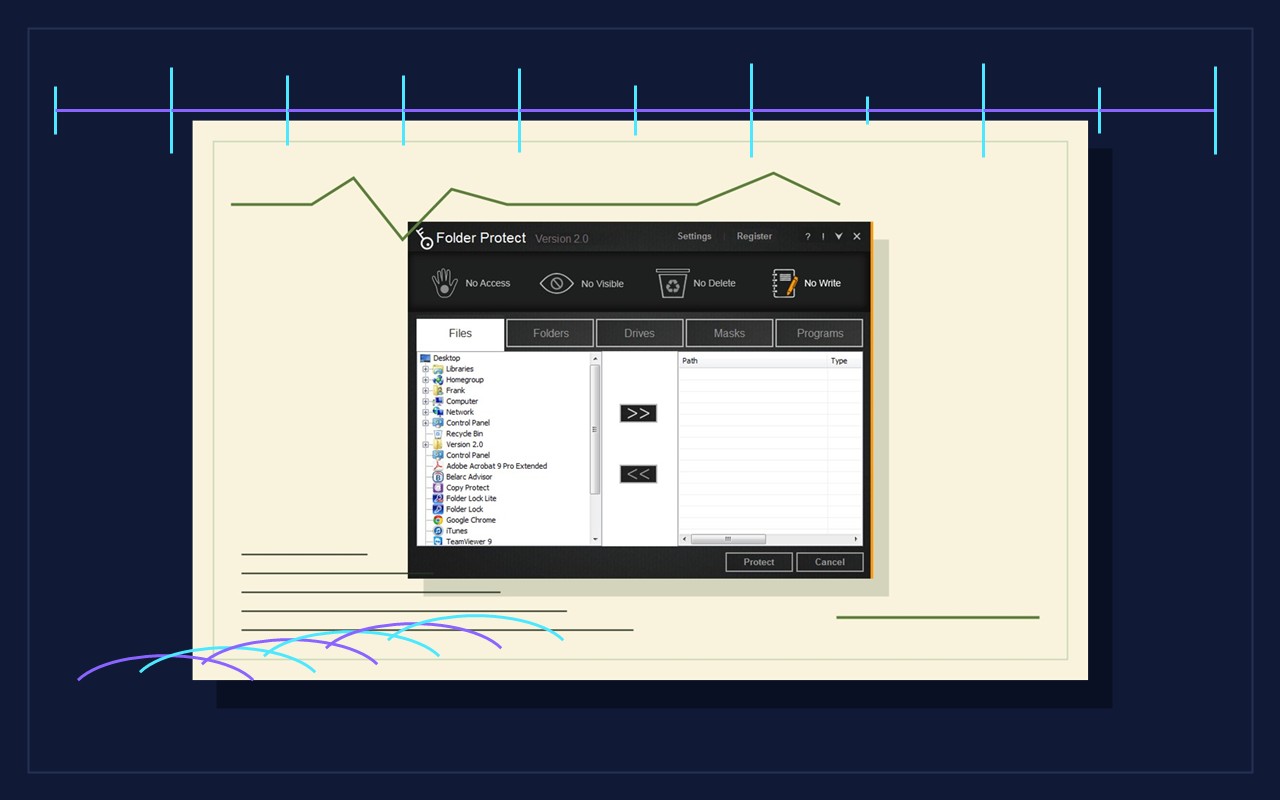
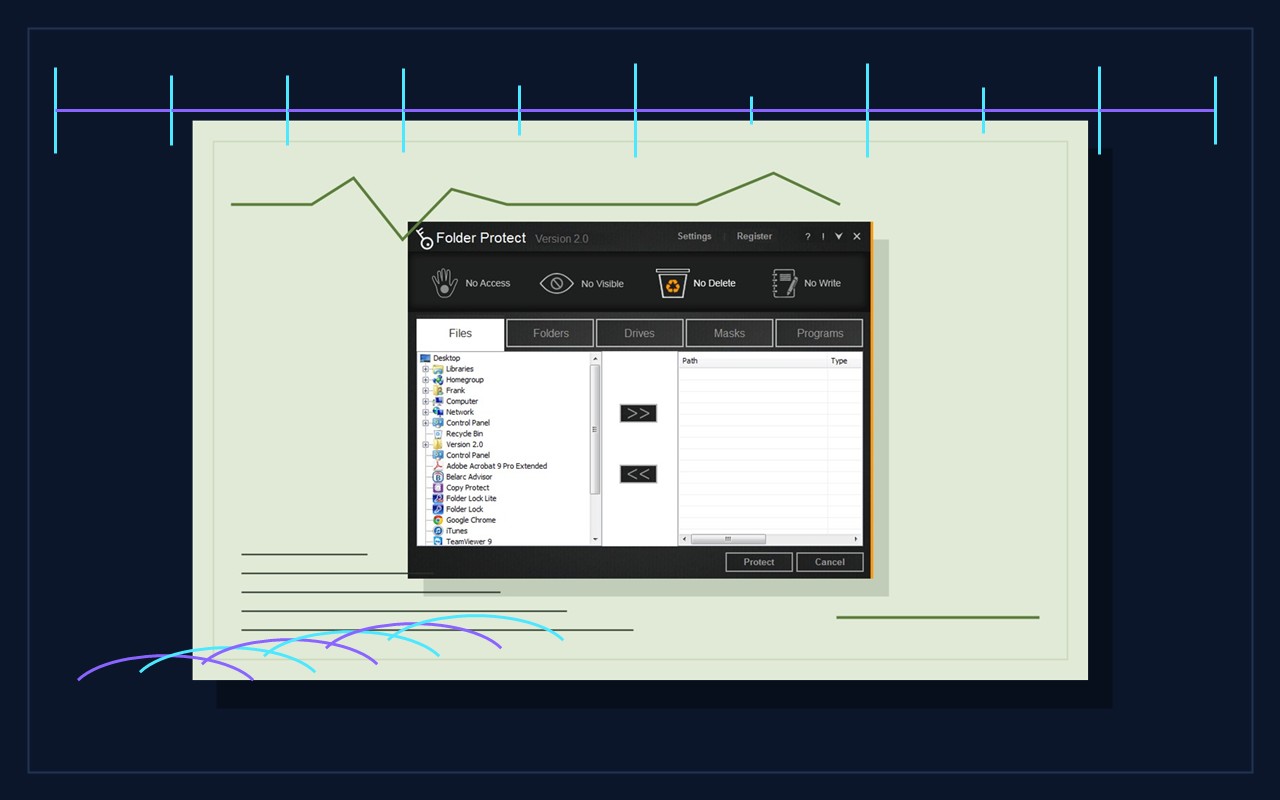
Inspect each relevant control
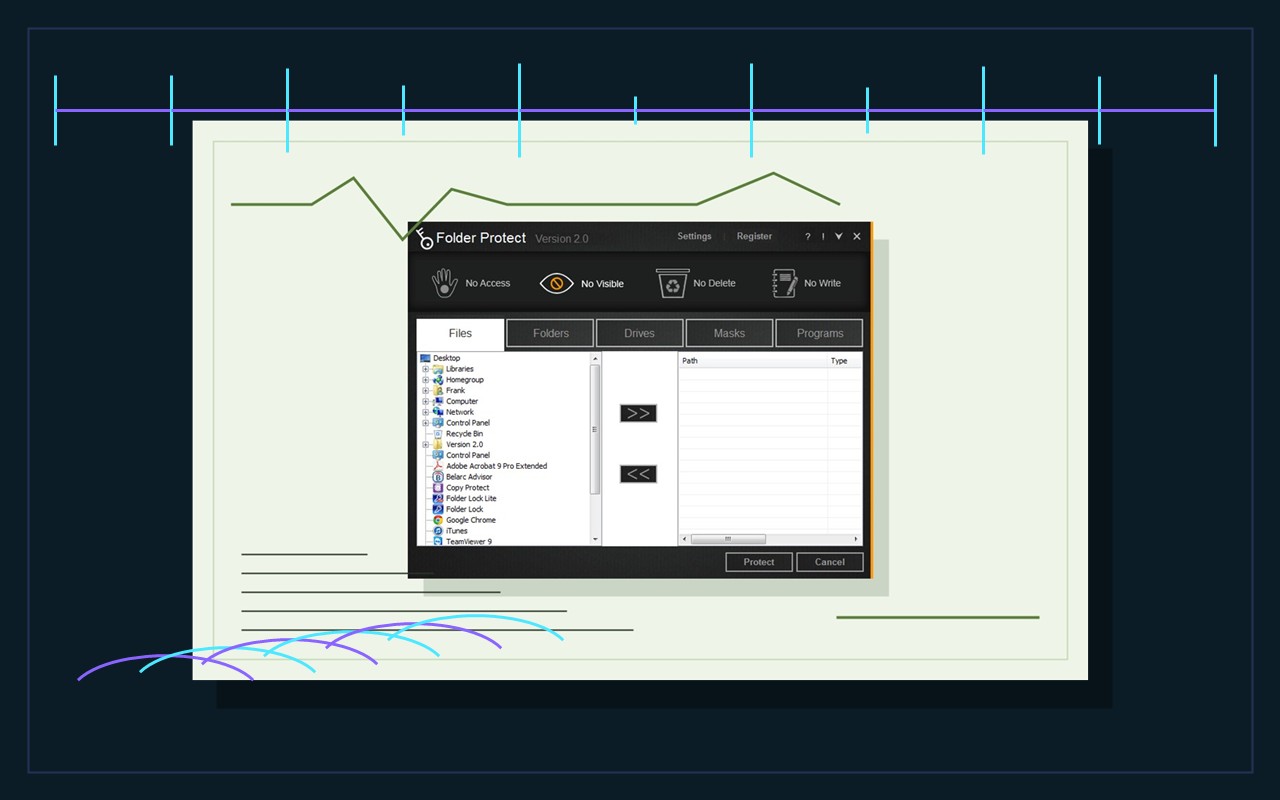
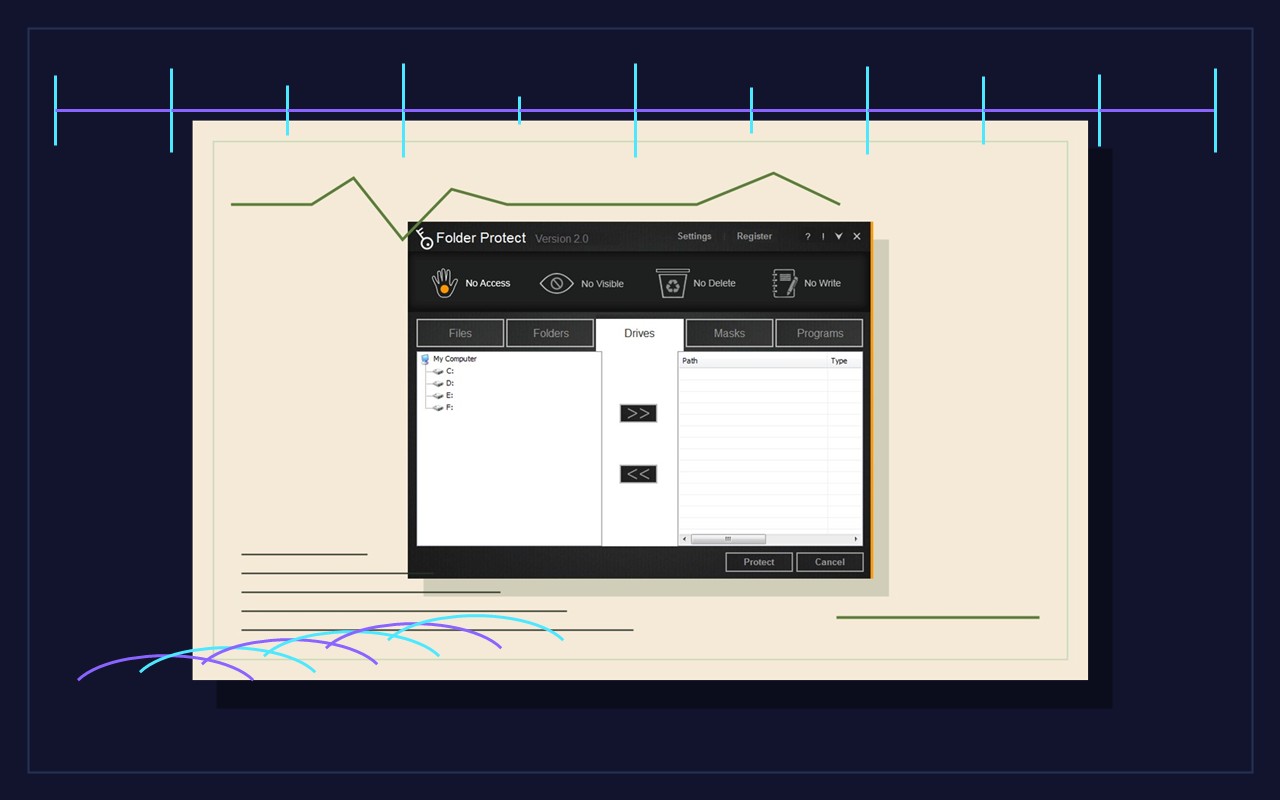
04 / LIMITS
Keep instrument-data governance outside the claim
Folder Protect operates at the local Windows file layer. It cannot determine whether an instrument result, transformation, dataset or scientific conclusion is accurate or approved. It does not administer cloud collaborators, recover a laboratory account, provide document version history, create immutable evidence or guarantee that copies do not exist in email, downloads, chat, temporary storage or another device.
Test the current product and exact intended path. Observe protection during restart, update, password failure and uninstall. Preserve a separate verified backup before testing and never place sample, patient, participant, result or credential data in screenshots. If the export repository is synchronized, evaluate provider permissions and recovery separately. Device encryption, named Windows accounts, endpoint management, repository access, local folder restrictions and backup are distinct controls.
After adoption, record the computer, Windows account, protected path, software version, protection mode, test date, password owner, recovery evidence and next review. Repeat the pilot after software, storage, permission or instrument-export workflow changes. A successful block is evidence only for the tested action and path; it is not proof of scientific validity or data integrity, encryption, secure deletion, regulated retention, scientific accuracy or business continuity.
A defensible control record identifies the export owner, acquisition source, authoritative path, expected file types, permitted accounts, restriction mode, manifest, checksum evidence, recovery owner and next review date. It should not contain sample, patient, participant, result or credential information. Use fabricated exports during every technical test.
Recheck the arrangement after changes to Windows, instrument software, storage, Folder Protect, permissions, service accounts or laboratory roles. Confirm both usability and recovery: an authorized technician should read the released export, an unauthorized account should not alter the master, and the recovery owner should restore a separately held copy without depending on the protected folder. Preserve unexpected behavior before changing controls.
Keep the claim narrow. Local restrictions may reduce accidental writing, deletion or access on a tested Windows path, but they do not encrypt data, validate scientific results, administer identities, create instrument audit trails, provide version history or replace backup. Escalate those requirements to the system and accountable owner designed to meet them.
Ask a second technician to follow the written procedure without verbal help. Record whether that person can identify the raw master, create a working copy, recognize the recorded release, interpret denied access and find the recovery owner. This usability check reveals ambiguous paths, hidden service-account dependencies and undocumented knowledge before an instrument, storage or staff change. Correct the procedure, repeat the test with fabricated data and retain only minimal evidence.
05 / SOURCES